تنزيل كتالوج المنتجات
يرجى إدخال عنوان بريدك الإلكتروني الحقيقي، وسنرسل الكتالوج الإلكتروني إلى صندوق الوارد الخاص بك قريبًا.
تغليف مستحضرات التجميل المصمم خصيصًا لعلامات التجميل — اطلب عرض الأسعار اليوم.

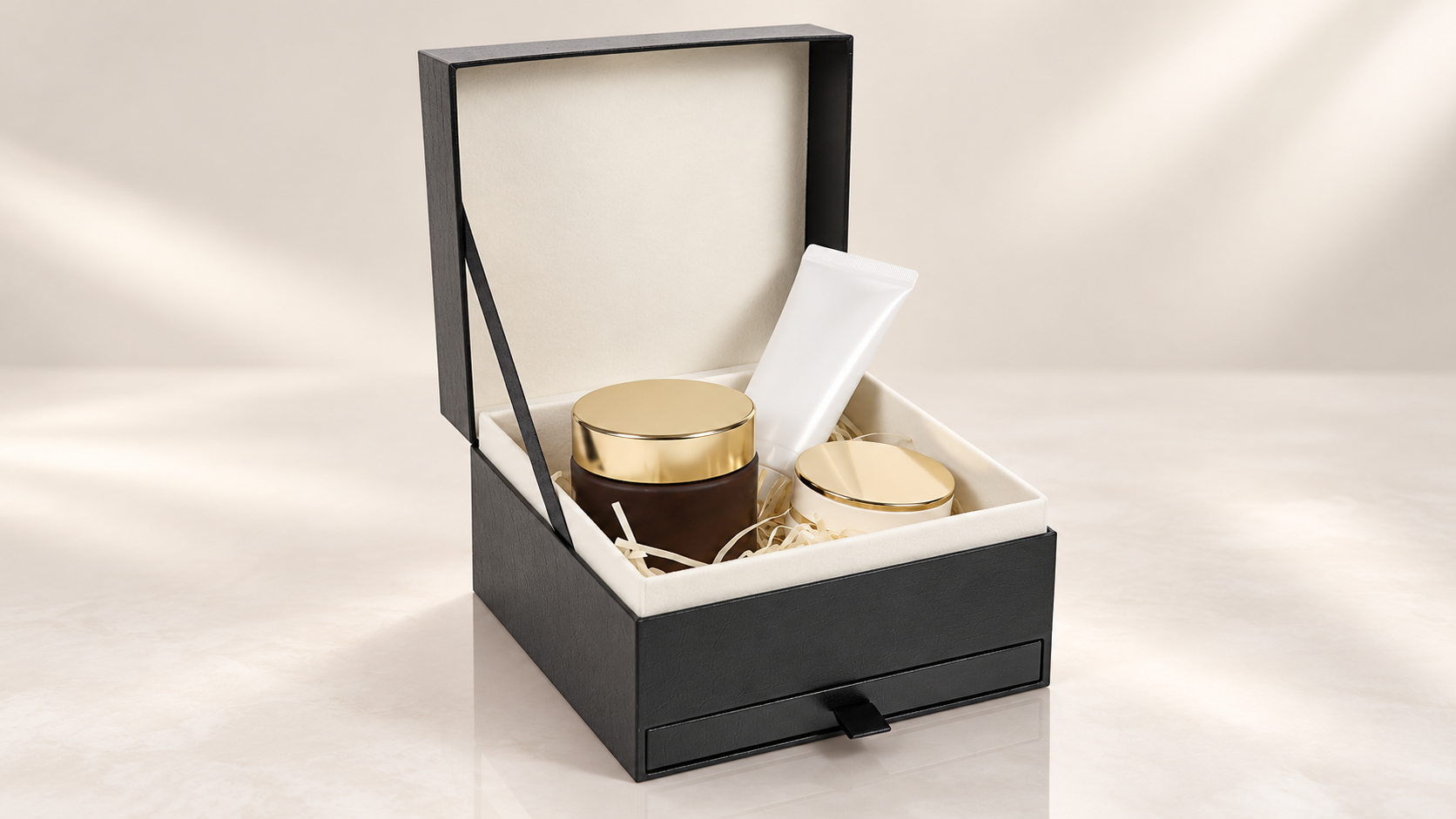
Packaging artwork can look polished on screen and still create production problems when the file is placed on the wrong panel, crosses a fold, or uses an outdated revision. For custom cosmetic packaging artwork, check the file against the manufacturer’s final dieline and confirm the details that depend on the chosen structure, material, and print process.
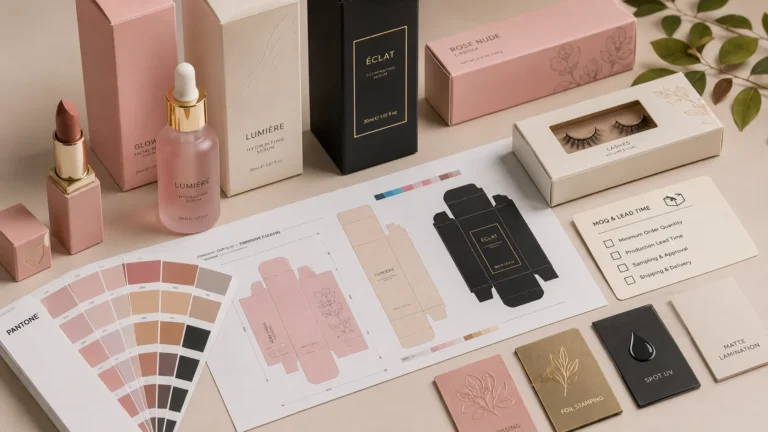
Print-ready artwork is the approved design prepared on the packaging supplier’s production dieline, with the correct panel orientation, technical layers, images, text, and finishing instructions for that specific job. A flat design or 3D mockup alone does not confirm that the final file fits the actual box structure.
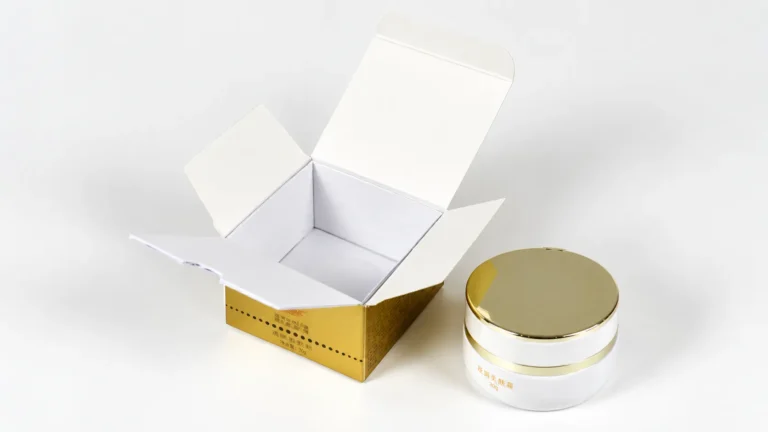
Ask the packaging manufacturer for the dieline for the confirmed box style and dimensions. Check the units, panel order, cut lines, creases, dust flaps, tuck flaps, and glue areas with the supplier before placing artwork. Do not redraw structural lines from a screenshot or assume a template for another box will fit.
Keep the technical dieline separate from the final cosmetic packaging artwork on a clearly named layer, as the supplier requests. Confirm which lines are guides and how they should be handled in the final print file so they do not appear in production.
Label the front, back, sides, top, bottom, and inside panels before finalizing the cosmetic box artwork. Then print a paper mockup at the intended scale or assemble a supplied sample. Check that the logo, product name, and key copy face the right way when the carton is folded and viewed in use.
Look closely at corners, seams, and glued sections. A logo that appears centered in a flat file may move visually after assembly, while copy placed across a fold can become harder to read.
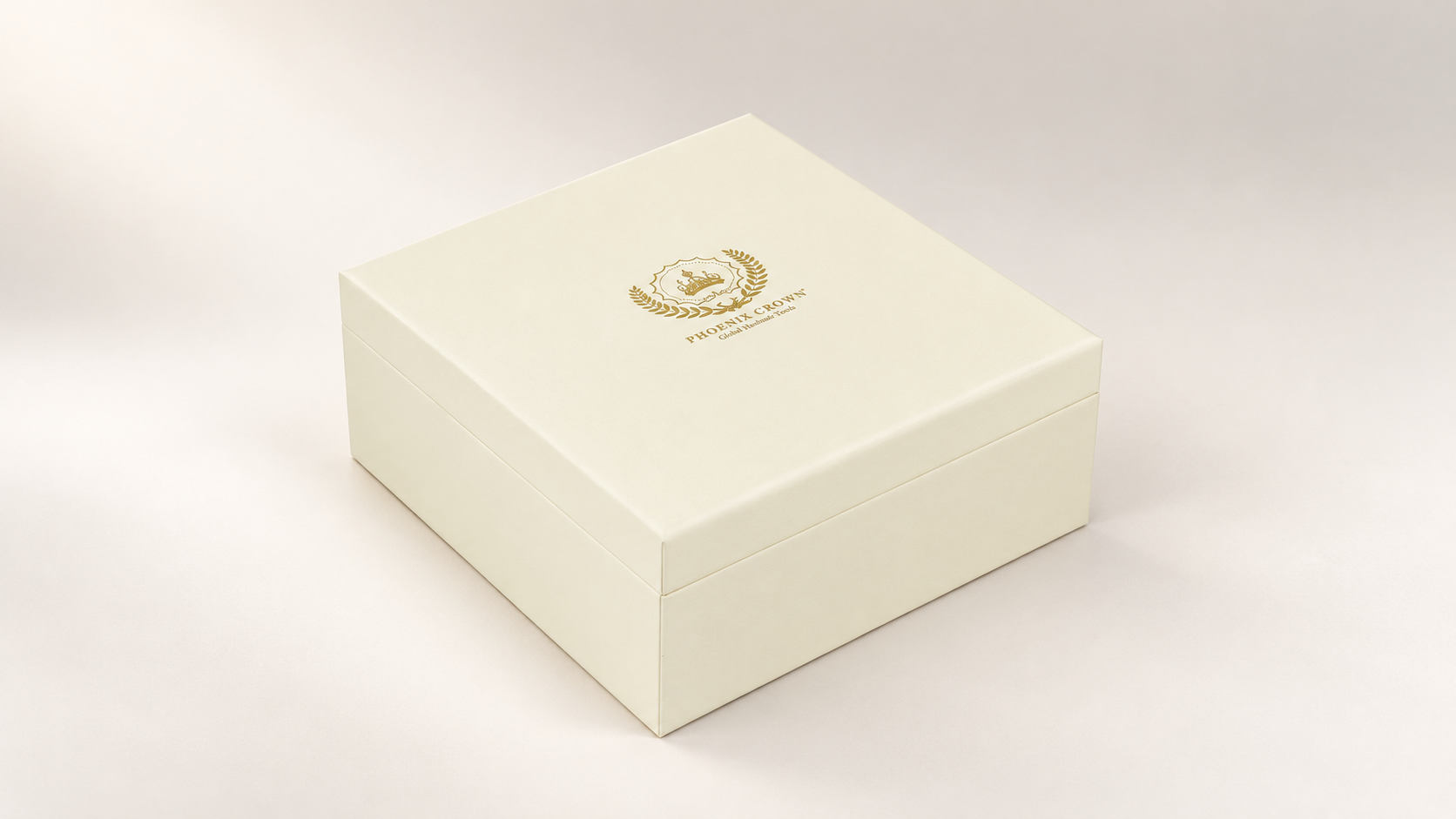
Ask the supplier to identify the safe areas and any artwork restrictions for the selected structure. Keep logos, small text, barcodes, and other critical details away from cut edges, crease lines, and glue flaps according to the manufacturer’s specification. The required clearance can vary with the carton design and production method, so use the project’s dieline instructions rather than a generic measurement.
Organize custom cosmetic packaging artwork so the supplier can distinguish printed graphics from cut and crease guides, foil areas, embossing, debossing, or spot coating instructions. Name each layer clearly and confirm the supplier’s required layer, spot-color, and overprint conventions. These conventions are production-specific; a layer name or color used by one printer may not mean the same thing to another.
Review the final-size text, product name, net contents, ingredient panel, language versions, and barcode against the approved source copy. Check that small text remains legible at the printed size and that the barcode has a clear placement area. For market-specific label requirements, have the brand’s compliance reviewer confirm the copy before production.
A monitor preview cannot fully predict how color will look on a particular paperboard, coating, or laminated surface. Share the intended color references and ask how the selected material and finish affect the proof. If the design includes foil, embossing, or spot UV, confirm how each effect is represented in the artwork and what the approval proof will show.
For file delivery, ask which application and export format the supplier accepts, along with its requirements for fonts, linked images, image resolution, and bleed. These details vary by printer and carton, so follow the current job specification instead of relying on a universal prepress checklist.
Give the artwork a clear version number and date, and identify the exact file being reviewed. Compare the supplier’s proof with that revision, checking panel placement, spelling, colors, technical layers, and special finishes. If color, material, structure, or fit is important to the decision, ask whether a physical sample is needed; a screen proof and an assembled sample answer different questions.
When the review is complete, record the approved cosmetic packaging artwork file name and revision in writing. This simple version-control step helps prevent an earlier draft from being mistaken for the production artwork.
You can develop the visual direction first, but place and finalize the production artwork only after the supplier confirms the structure, dimensions, and dieline. This reduces the risk of designing around the wrong panel layout.
Ask the packaging manufacturer for its accepted format and prepress settings. The required format, fonts, linked images, color setup, and bleed can depend on the supplier’s workflow and the specific carton.
There is no safe universal value for every box and print process. Use the bleed and safe-area values supplied with the current dieline, and ask the manufacturer to confirm them before export.
A 3D mockup helps review the overall appearance and orientation, but it does not by itself verify the production file, printed color, material, or finish. Review the supplier’s proof and request a physical sample when the project needs those checks.
If you are developing a custom cosmetic box, share the box style, dimensions, artwork status, and finish references with the manufacturer early. See our packaging sample approval process for the separate checks involved in reviewing a sample.
Packaging buyers also discuss practical artwork handoffs in community threads. For example, this Reddit discussion about checking custom packaging artwork raises questions about fold placement, physical checks, and keeping the approved revision clear. Treat forum comments as individual experiences, and confirm production instructions with your own supplier.